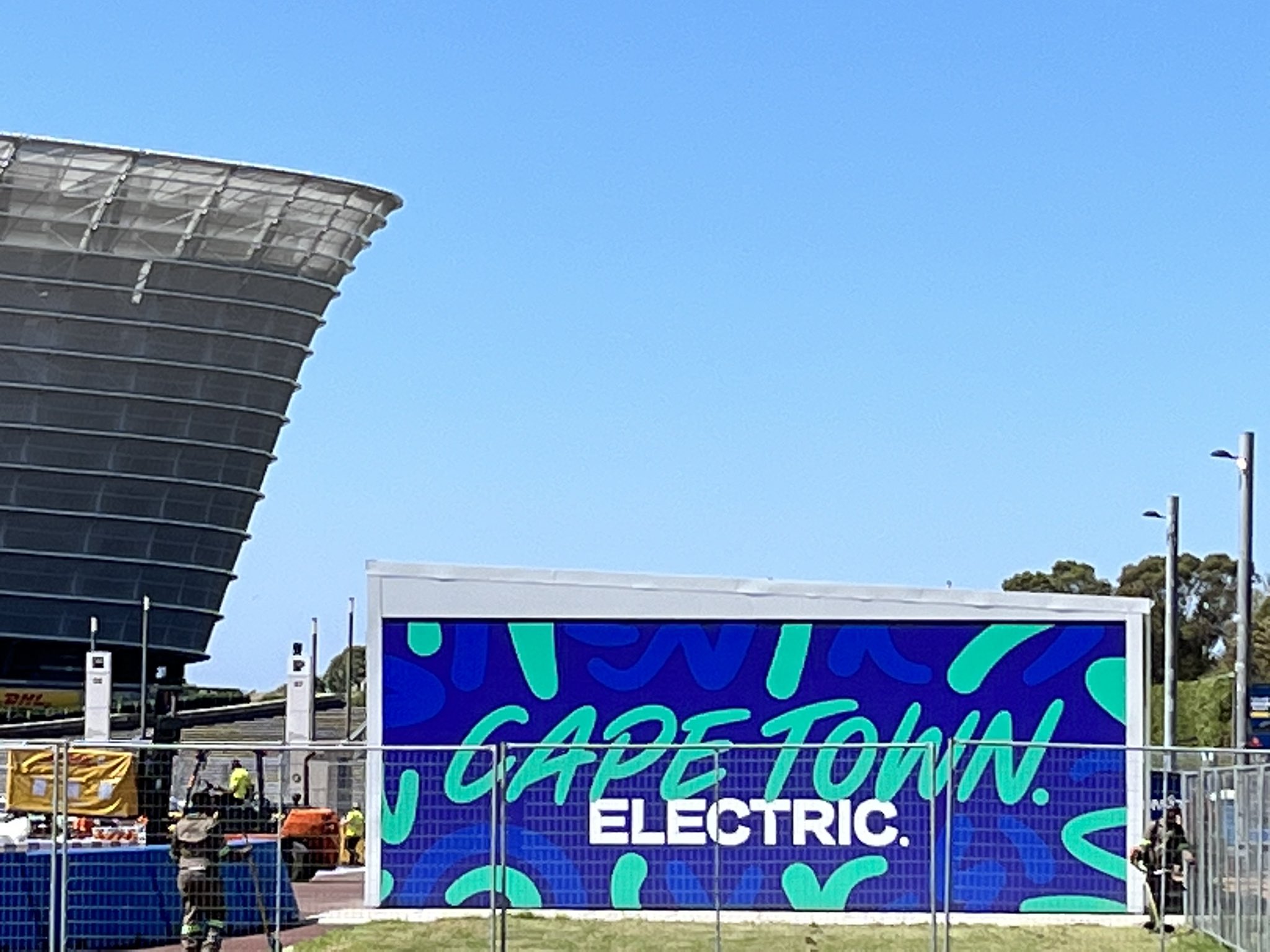
Cape Town – Founding partner to Go Green Africa, Uber, has made getting in and around the Green Point area easier for sport-loving fans who will attend ePrix this Saturday, 25th February in Cape Town.
Chairperson of e-Movement, Iain Banner, has promised that the Cape Town track will be the fastest on the Formula E calendar.
With excitement building as the city and race organisers prepare to put on the first Formula E race in Sub Saharan Africa, Uber on Thursday announced race day transport plans for fans.

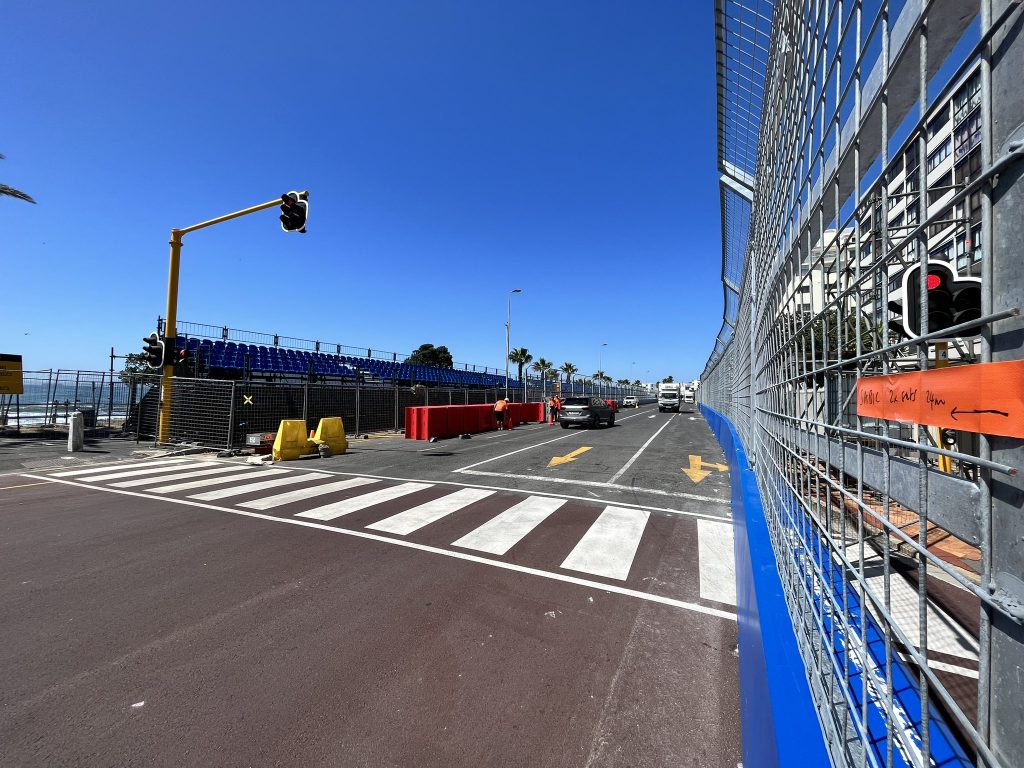
Here’s what you need to know when using Uber on race day:
Dedicated pick-up and drop-off zones
There is a dedicated Uber pick-up and drop-off zone on Helen Suzman drive, which Uber encourages riders to use.
For drivers, the app has been optimised with notifications to help them navigate the traffic flow better and avoid riders being on their journey for longer than necessary.
Uber urges drivers to use in-app mapping for navigation on the day as it will be configured to match the event’s traffic plans and road closures.
Discounted rides for residents
Uber is offering 500 discounted rides to affected residents in the Greenpoint and Sea Point areas given the road closures that will be put in place for the race.
Qualifying residents will get 50% off three trips requested between the 23rd and 25th of February, using the code EFEST23. The discount is capped at R50 per ride, and riders need to have the app downloaded to apply the discount.
Here’s how:
1. Open your Uber app and select “Account”
2. Then select “Wallet”
3. Scroll down to Promotions and tap Add Promo Code
4. Enter the promo code and tap ADD
5. And, you’re all set to go!
Be patient and plan ahead
This Africa-first event is set to attract thousands of visitors to the race, so Uber recommends planning ahead by reserving your ride on race day for added convenience.
You can reserve your ride on the App up to 30 days in advance to make planning your race day a lot smoother.
Uber anticipates some network slowdowns as many riders may be requesting rides simultaneously, so please keep calm and be patient with the network.
Confirming one’s ride may take longer than normal, but rest assured, a driver will be meters away waiting to confirm your ride.
Safety check
The Uber app provides you with all the details of your driver and vehicle as soon as the driver accepts your request.
Make sure that you wait for your driver in the designated pick-up zones until your confirmed driver has arrived.
When the vehicle arrives be sure to:
? Identify the vehicle registration plate and cross-check with the app
? Check that both the vehicle make and colour match – an image of the vehicle colour and type is provided in-app
? Ask for your driver’s name and check the in-app photo – you also can click into and enlarge the driver photo in-app.
? Opt-in to the Verify Your Ride feature by navigating to the app settings and tapping “Verify Your Ride.” From there, you can choose to use the feature, which uses a PIN to help make sure you get into the right car, on every trip or only during evening trips (9 pm – 6 am).
Rides taken on the Uber platform can only be requested through the Uber app, so no matter how much of a hurry you may be in, don’t feel pressured to accept street hail solicitations from anyone claiming to operate on the Uber app.
The app is equipped with various safety features which riders can access by clicking on the shield icon. This includes access to armed response within minutes in the event of an emergency.
Lost & Found
If riders get caught up in the excitement of the race and leave something behind in a vehicle, don’t panic! The easiest way for riders to retrieve a lost item is to get in touch with the driver via the app – but if they’ve left their phone behind, they can log in to their account on a computer. Here’s what to do:
1. Tap “Your Trips” and select the trip where you forgot your personal belongings.
2. Scroll down and tap “Find lost item”.
3. Tap “Contact driver about a lost item”.
4. Scroll down and enter the phone number you would like to be contacted at. Tap submit.
5. Your phone will ring and connect you directly with your driver’s mobile number.
6. If your driver picks up and confirms that your item has been found, coordinate a mutually convenient time and place to meet for its return to you.
7. If your driver doesn’t pick up, leave a detailed voicemail describing your item and the best way to contact you.
8. If you lost your phone, enter another phone number instead (you can do this by logging into your account on a computer, or using a friend’s phone).